Log in
 Help
Help Contact
 English
 Français
 Español
Fast setup, no fees
In less than 24 hours you can test TicknCook in your restaurant.
Easy to learn, with access to every setting and a 15-day free trial.

The KDS: the screens
Kitchen screenCounter screenExpo screenFront-of-house screenThe KDS: key features
Course managementStation routingPrep stepsTicket printingPlatform integrationsOrder takingStatisticsUse cases by restaurant type
Burgers and fast foodIce cream shop, bakery, food truck and small kitchensPizzeriaFranchises and restaurant chainsTraditional table serviceEventsPricingPartnersBlogHelpContactLog inTry it!
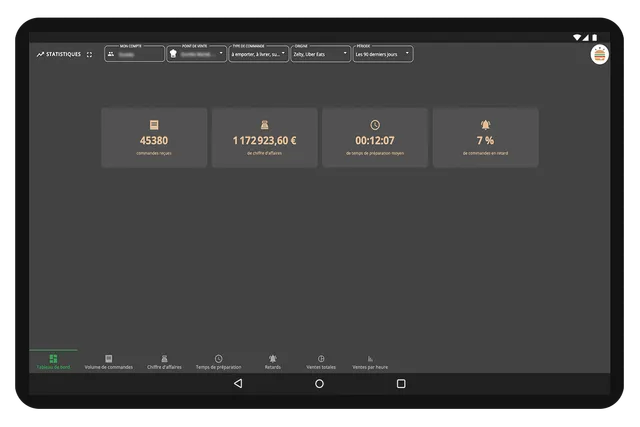
In fast food — and especially in burger preparation — an order rarely goes through a single pair of hands. Cooking, assembly, desserts, drinks, bagging, click & collect, delivery: everything has to flow quickly and cleanly. TicknCook organizes this production flow with screens and settings designed for quick-service restaurants.
TicknCook doesn't just display tickets. The solution adapts to your actual organization, your stations, your channels and the way you produce during the rush.
They trust us




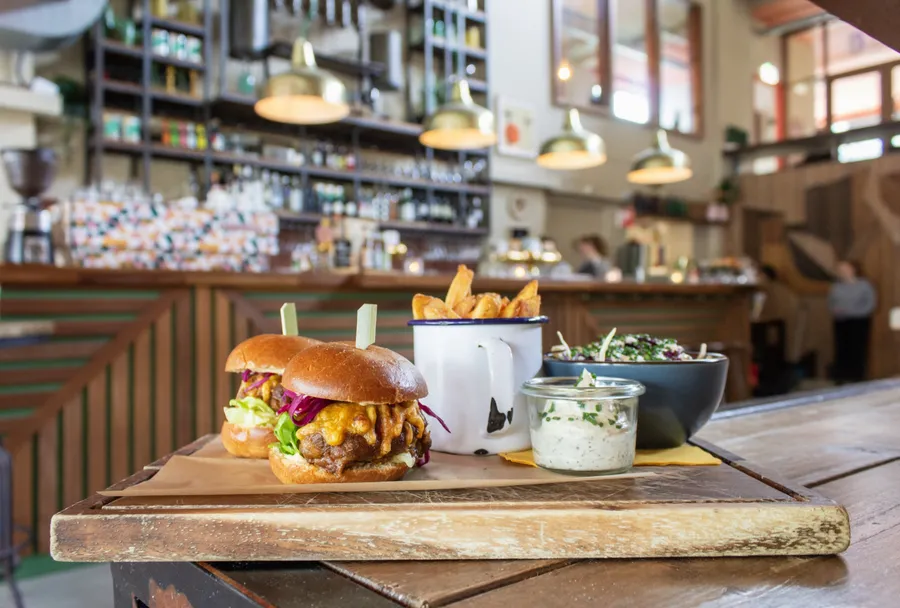
TicknCook is particularly well suited to burger restaurants because the solution follows the real logic of a fast kitchen: several stations, several order channels, several preparation steps, and the need to keep the counter perfectly coordinated with the kitchen.
The KDS can be configured to match how you operate. You can filter by station, separate order flows, use a counter screen for drinks and desserts, integrate bagging and display specific views according to your needs.
The result? Even as order volume goes up, preparation times and courier waiting times go down!
In less than 24 hours you can test TicknCook in your restaurant.
Easy to learn, with access to every setting and a 15-day free trial.

An Android tablet, an iPad, or a touch screen connected to a mini-PC — an internet connection is all TicknCook needs.

Our technical support answers whenever you need it and helps you set up and install TicknCook.
We answer you directly on WhatsApp — click the button or scan the QR code with your phone.
Because at TicknCook we like to keep things simple and human ;)