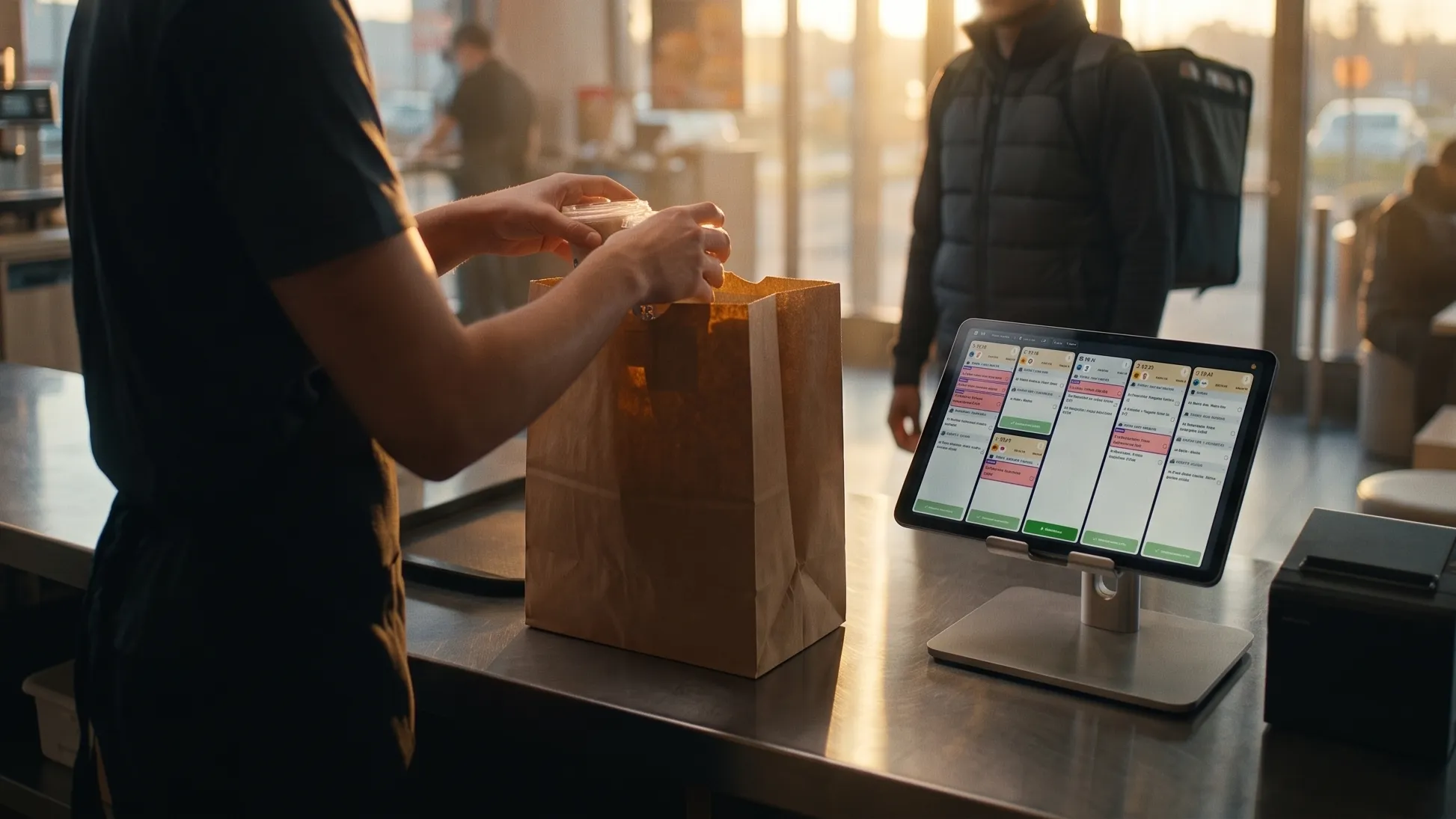
Connect your kitchen screen directly to your ordering platforms

The main way to receive orders on your kitchen screen is to connect it to your POS system or your order aggregator. But in some situations, that is not suitable or not enough.
That is why we offer direct integrations with your ordering platforms: a more direct link with your platforms, and access to data you could not get any other way.

COMING SOON
Start your free trial

How do direct integrations work?

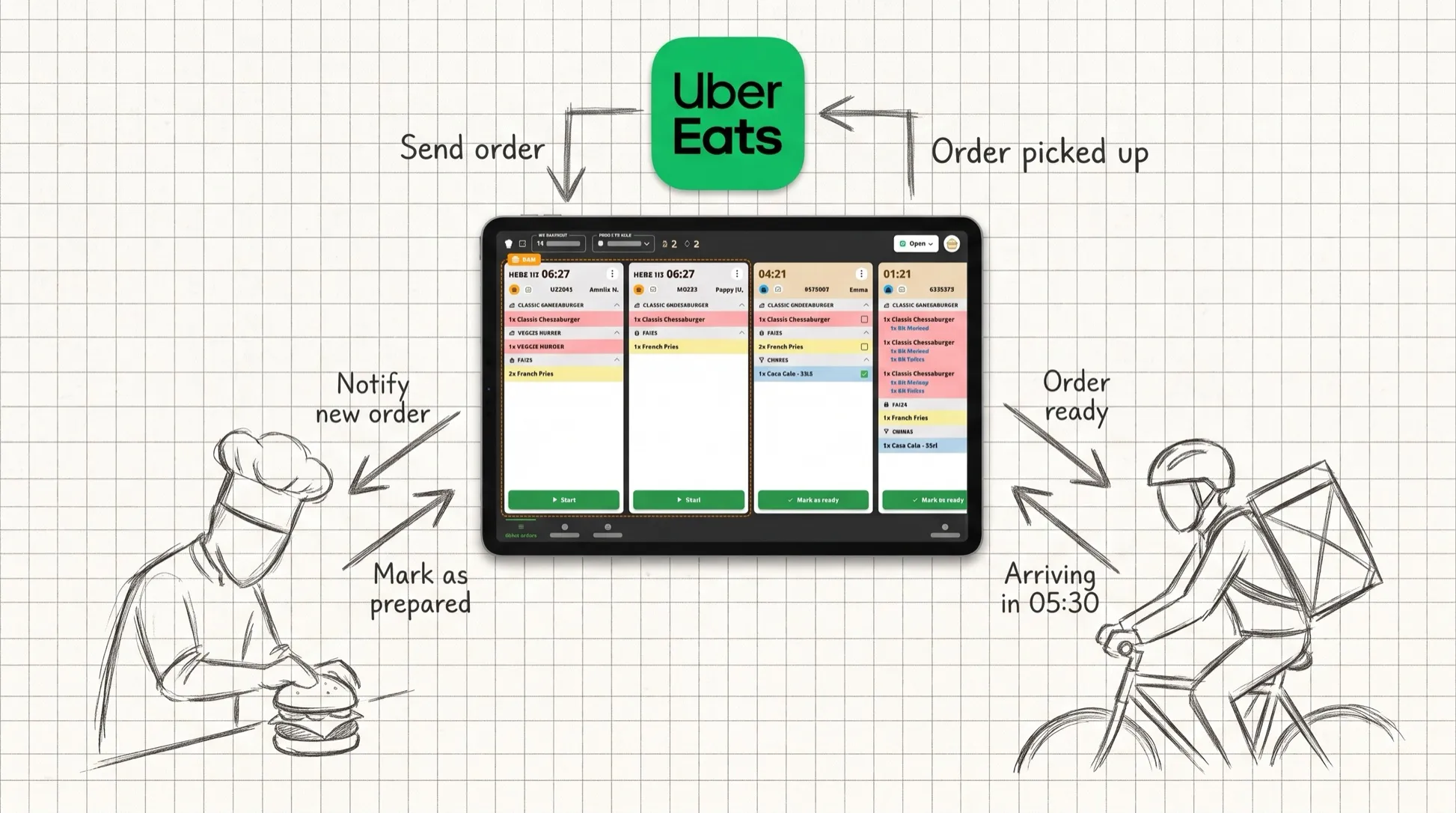
TicknCook connects directly to your Uber Eats, Deliveroo or DOOD account, with no intermediary. Your orders land on your kitchen screen, and we pull in real time information only the platform knows, such as courier-related information.
We also offer new exclusive actions directly from the KDS, such as managing your store's busy and snooze modes.

When does a direct integration make the difference?

Delivery-optimized fast foods

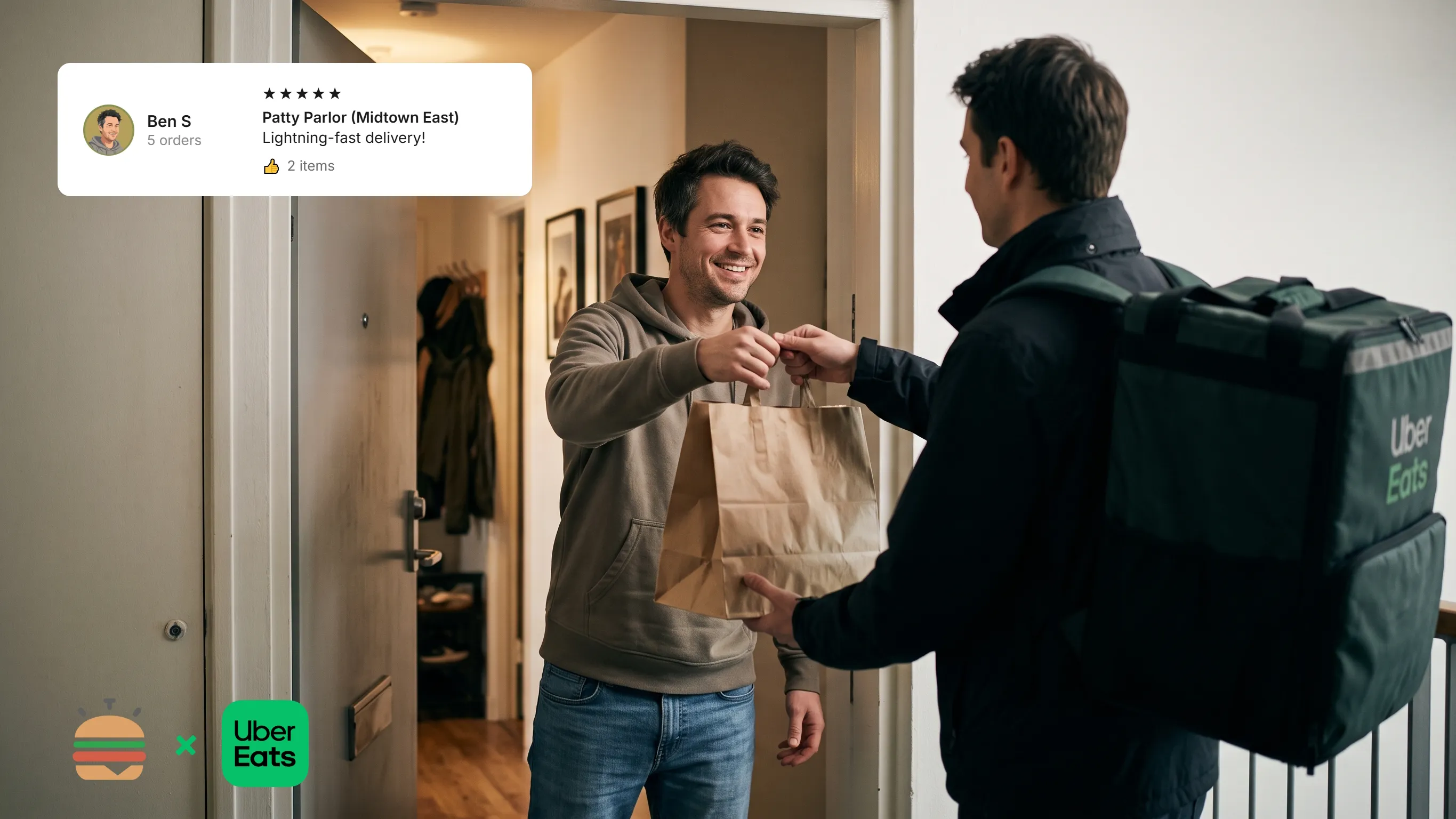
To prepare your delivery orders in an ever more optimized way, we connect directly to your Uber Eats or Deliveroo account to receive courier updates in real time. This lets us group together the orders picked up by the same courier, display the courier's estimated arrival time, reorder your tickets based on courier arrivals, and let you pause or snooze your store directly from your KDS screen.
Dark kitchens without a POS system

Receive your DOOD, Uber Eats and Deliveroo orders on your dark kitchen's KDS screens without using a POS system, while keeping every TicknCook feature.

The result?
+ order throughput
- courier waiting time
- meals delivered cold
+ good ratings on the stores 🙂

Discover TicknCook
with our free demo mode

Test the kitchen screen, handle orders and see in 5 minutes whether TicknCook is right for your restaurant.

Launch my free demo

No credit card • No commitment • No sales calls • No spam
You decide whether to continue the adventure with us ;)

Need more information?
Want a demo?

We answer you directly on WhatsApp — click the button or scan the QR code with your phone.

Because at TicknCook we like to keep things simple and human ;)

Talk to us on WhatsApp
TicknCook Customer Support
QR code to contact TicknCook support on WhatsApp