Log in
 Help
Help Contact
 English
 Français
 Español

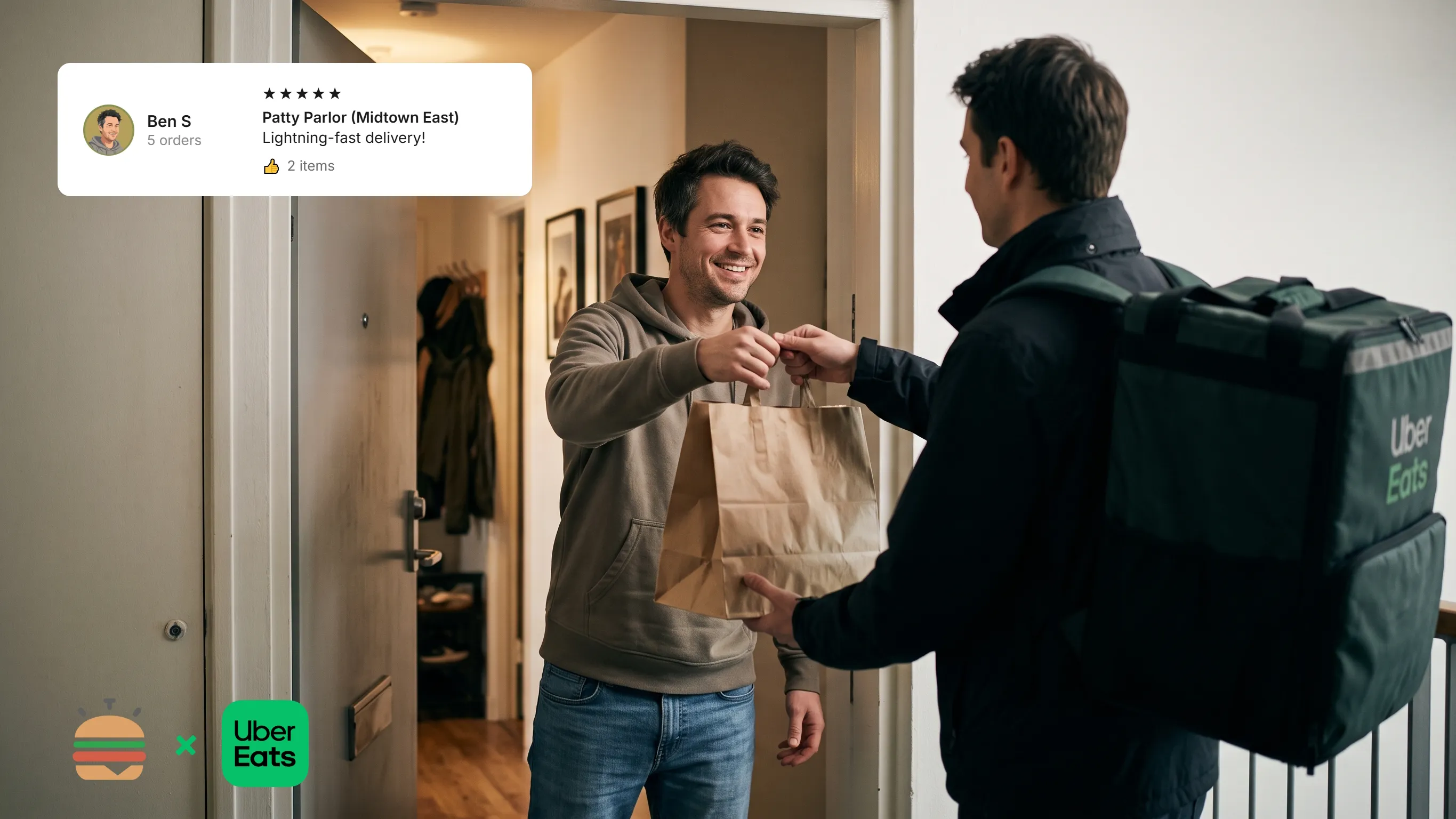
The problem with Uber Eats, besides their huge commission, is keeping up with a high volume of orders over a very short time. You have to get every one of them out without losing control of the kitchen.
Tickets pile up, couriers walk in, dine-in customers are waiting too… And suddenly, your kitchen is running several services at once.
And a customer who doesn’t get their order on time, or gets it cold, is an unhappy customer. One who will leave a bad rating or a bad review…
So how do you manage Uber Eats orders in the kitchen?
Stop handling Uber Eats on a separate tablet
This is often the first problem.
The POS is on one side. The Uber Eats tablet on the other. And paper tickets in the middle.
Your team has to keep checking several devices to know what to do and to manage priorities. That quickly becomes hard to handle as volume grows.
So the first step is to bring Uber Eats orders into the kitchen’s production flow.
With a KDS, orders are displayed directly on the kitchen screen. Your team can work from a single tool.
To understand how it works, read our article Uber Eats KDS: how does a kitchen display work?
Give orders a clear priority
Orders don’t necessarily have to be prepared in the exact order they come in.
One order may have a courier arriving in two minutes. Another may have a courier arriving in ten. So priority can change.
With TicknCook, courier information and estimated arrival times can flow into the KDS. The kitchen can then adapt its priorities.
The right preparation order isn’t always the order in which tickets arrive.
To go further, find out why connecting your KDS directly to Uber Eats can improve how you handle orders in the kitchen.
Group orders picked up by the same courier
When a courier picks up several orders, preparing them separately can make your team’s job harder.
Grouping lets you see which orders need to leave together. It makes organising the pass easier and reduces the risk of forgetting an order.
One courier. Several orders. One coordinated preparation.
Avoid orders that are ready too early
An order finished too early can sit on the pass for several minutes. And for many dishes, a few minutes can affect quality.
The goal is to prepare at the right moment.
With information on the courier’s arrival and a logical order of tickets, your team can better synchronise production.
Optimise production too with the combined view
As order volume grows, you also need to know how many items to put into production.
This is especially useful in burger fast-food restaurants! (a bit like the production model of the king, McDonald’s)
For example, instead of counting the patties to cook on each ticket, the combined view shows on a single screen:
- the detailed orders to prepare;
- an aggregated view of the items to produce.
Your team can see at a glance that, for example, it’s time to put all the patties on the grill.
The order view tells you what goes into each burger. The aggregated view tells you how many patties, chicken pieces or other items to prepare.
You’re no longer just handling orders: you’re steering your production.
Find out how TicknCook’s combined view and prep steps optimise your kitchen production.
What to do when the kitchen is overloaded?
This is one of the hardest situations to handle.
Orders keep coming in while your team is already at full capacity. The result: preparation times go up, couriers wait and the kitchen falls behind.
With TicknCook, Uber Eats busy and snooze modes can be managed directly from the KDS. So the kitchen can act quickly when it hits full capacity.
Better to deliberately slow orders down for a few minutes than let the whole service fall apart.
How to avoid mistakes on Uber Eats orders?
The higher the volume, the higher the risk of mistakes: a forgotten order, a missing item, two orders mixed up, a bag handed to the wrong courier…
The KDS lets you see every order and track its preparation step by step. Your team knows what needs preparing, what’s in progress and what’s ready.
And when you use several screens, each station can also have its own view of production with station routing.
What if you also use Deliveroo?
If each channel has its own screen, your kitchen quickly ends up with several tools to watch.
A KDS lets you centralise orders in a single production environment. That goes for Uber Eats orders, but also for Deliveroo orders or those coming from another platform.
The right answer: production timed to the second
That’s where a KDS shows its full value.
Uber Eats generates the orders. Your KDS helps your team stay on top of them.
Do you get a lot of Uber Eats orders?
Try TicknCook free for 15 days and see how to organise your orders directly from your kitchen display.
A more organised kitchen also means a calmer service.